
How to Create Stunning 3D Property Tour Videos With AI Tools
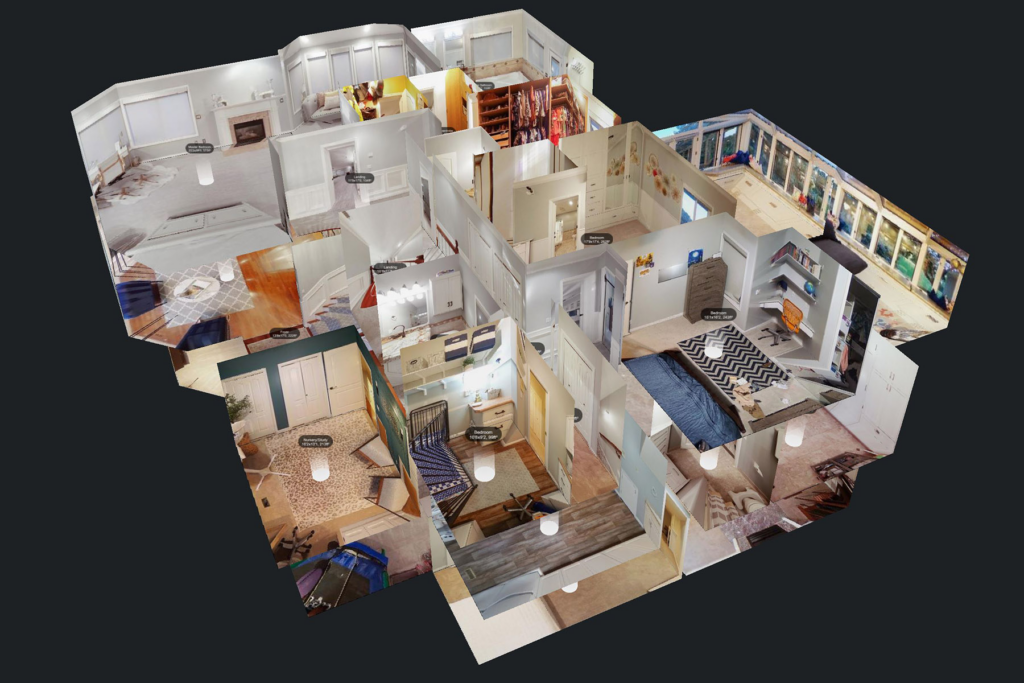
Why Static Listings Are Costing You Serious Buyer Attention
Property listings with only photos are becoming invisible. Buyers scrolling through dozens of listings on their phones make split-second decisions, and a grid of static images — no matter how well-composed — rarely stops the scroll the way a compelling video does. Interior designers and real estate professionals who rely solely on photography to present their work are leaving a significant engagement gap on the table.
The frustrating part is that most professionals already have everything they need to create exceptional video content. The photos are there. The project story is there. What has been missing is an accessible, fast way to translate that existing visual material into the kind of immersive, motion-driven content that modern buyers and clients actually respond to.
That gap is now closed. AI video tools have made professional-quality property tour video production achievable without a production team, a filming schedule, or editing expertise.
What AI-Powered Property Video Actually Looks Like
Before getting into the practical steps, it is worth understanding what well-executed AI property video content actually delivers — because the output from modern tools is meaningfully different from the slideshow-style video that many professionals associate with automated video creation.
Current AI tools can generate smooth cinematic transitions between property spaces, apply atmospheric lighting effects that enhance the visual quality of source photography, produce motion that simulates a genuine walkthrough experience, and automatically generate professional narration that highlights the property’s key selling points. The result is content that communicates the character and quality of a property in a way that static images fundamentally cannot.
For real estate professionals, this is where Pollo AI’s real estate video maker capability becomes directly relevant. This AI-powered tool is specifically designed for property marketing, converting listing photos into high-quality promotional videos automatically. It generates professional narration that highlights property features intelligently, produces cinematic visual effects suited to premium listings, and requires no video editing skills — delivering publication-ready content for social media, email marketing, and multi-channel distribution that helps agents attract buyers and accelerate sales.
The Case for 3D Walkthrough-Style Video in Interior Design Presentations
Interior designers face a specific client communication challenge that property video addresses particularly well. Presenting a design concept to a client — whether for a renovation, a new build, or a staging project — requires them to visualize a space that does not yet exist in its finished form. Mood boards and 3D renders help, but they lack the sense of spatial flow and experiential continuity that a walkthrough video provides.
Video that moves through a space — even a simulated walkthrough built from still images and AI-generated motion — communicates proportions, transitions between rooms, and the cumulative effect of design decisions in a way that individual images cannot. Clients who might struggle to interpret a floor plan or visualize a color scheme from a swatch board can immediately grasp the design intent when it is presented as a moving visual experience.
For designers working on high-end renovation and home improvement projects, this capability transforms the client presentation process. Concepts that previously required expensive 3D rendering software and specialist technical skills can now be communicated through AI-generated video built from reference photography and design specification.
Step-by-Step: Building Your First AI Property Tour Video
Step 1 — Curate and Prepare Your Source Images
The quality of your input material directly determines the quality of your output. Select your sharpest, best-composed property or design images — ideally shot with consistent lighting and from angles that communicate spatial flow. For a property tour, organize images in the sequence a viewer would naturally walk through the space: exterior approach, entry, main living areas, kitchen, bedrooms, bathrooms, and any standout features.
For interior design presentations, include both existing condition images and any reference or inspiration images that communicate the intended design direction. The AI tool will work with whatever visual material you provide, so the more clearly your image sequence tells the story of the space, the more effectively the generated video will communicate it.
Step 2 — Define Your Narrative and Key Selling Points
Before generating your video, write a brief narrative outline of what the video needs to communicate. For a property listing, this means identifying the three to five features most likely to resonate with your target buyer — natural light, storage, outdoor space, kitchen quality, location context. For a design presentation, it means articulating the core design concept and the specific decisions that bring it to life.
This narrative outline becomes the basis for your narration prompt, ensuring the AI-generated voiceover highlights the elements that matter most rather than producing generic property descriptions.
Step 3 — Configure Your Visual Style and Motion Settings
Select the visual style that matches your property type and target audience. Premium residential listings typically benefit from warm, cinematic treatment with smooth, deliberate motion. Contemporary urban properties might suit a cleaner, more minimal aesthetic. Luxury renovation projects often work well with a documentary-style approach that communicates craftsmanship and attention to detail.
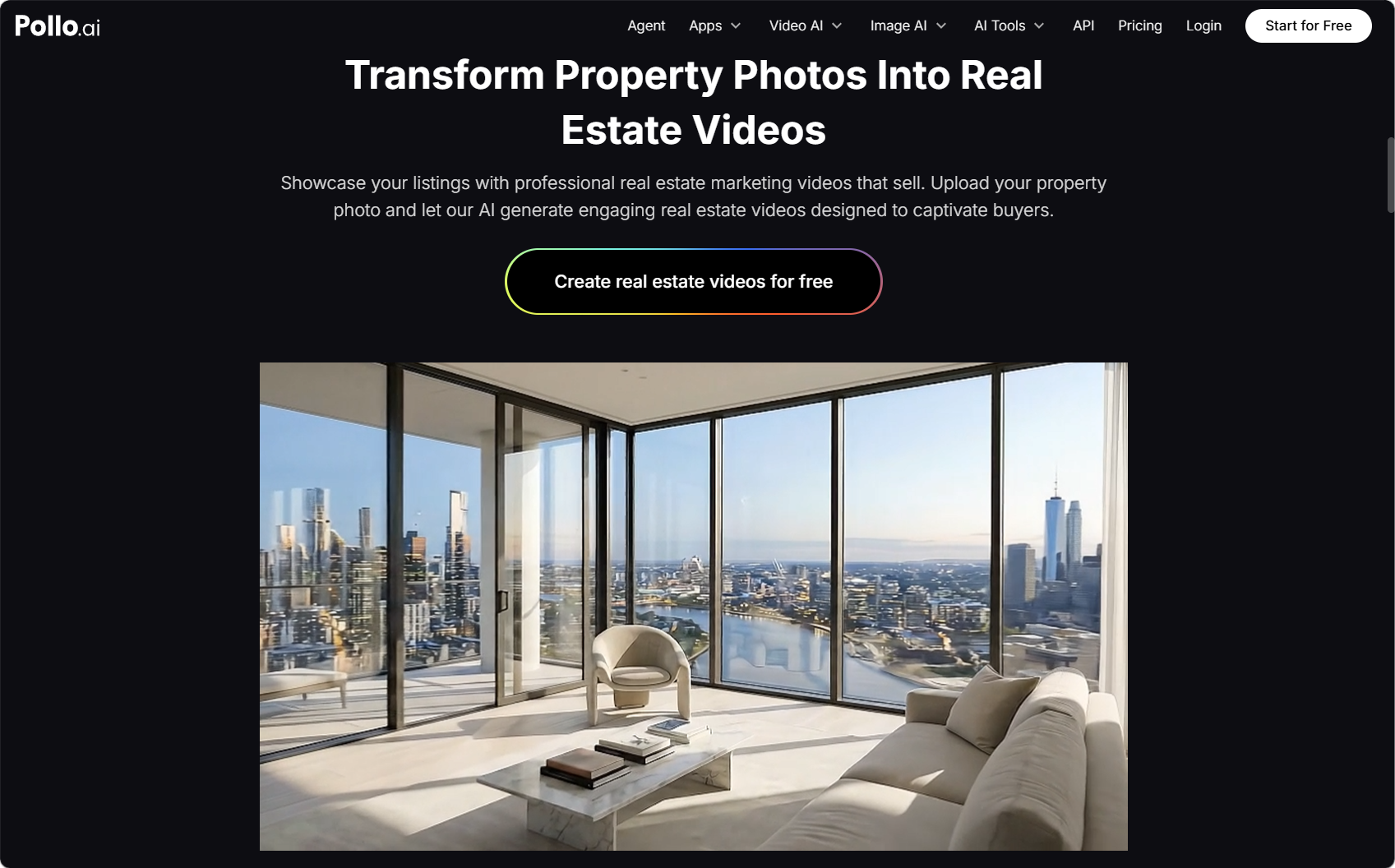
Adjust motion intensity and transition style to match your intended tone. Subtle, slow motion reads as premium and considered; more dynamic motion suits lifestyle-oriented or aspirational content. The AI real estate video maker within Pollo AI provides style controls that allow you to match the visual treatment to your specific property and audience without requiring manual editing.
Step 4 — Generate, Review, and Refine
Generate your initial video and evaluate it against your narrative outline. Does the narration highlight the right features? Does the visual flow communicate the spatial sequence effectively? Does the overall tone match your brand and your target buyer profile? Note specific elements that need adjustment and refine your settings or prompts accordingly.
Two to three generation cycles typically produce a significantly stronger result than accepting the first output. Treat iteration as a normal part of the process rather than a sign that something has gone wrong.
Step 5 — Export and Distribute Across Your Channels
Export in the formats appropriate for each distribution channel: square or vertical format for social media, widescreen for email marketing and website embedding, and high-resolution for use in presentations or digital advertising. A single well-produced property tour video can generate content assets for multiple channels simultaneously, multiplying the return on your production investment.
Advanced Techniques for Higher-Impact Property Videos
Use motion to guide attention: Configure motion direction to draw the viewer’s eye toward the most compelling features of each space. A slow push toward a feature wall, a gentle pan across a kitchen layout, or a reveal motion that transitions from a corridor to an open-plan living area all use movement purposefully rather than just adding animation for its own sake.
Match narration tone to buyer profile: First-time buyer content benefits from warm, accessible narration that emphasizes practicality and value. Luxury property content requires a more restrained, aspirational tone that lets the visual quality speak. Configure your narration prompt to match the specific buyer you are targeting.
Incorporate before-and-after sequencing for renovation projects: For home improvement and renovation content, structuring your video to move between existing condition images and finished design references creates a compelling transformation narrative that communicates the value of the work more powerfully than either set of images alone.
Where Animated Explainer Content Fits Into Your Video Strategy
Not every piece of content a design or real estate professional needs is a property tour. There is a category of content — explaining renovation processes, communicating design methodology, describing service offerings, or walking clients through complex construction or compliance considerations — that benefits from a different format entirely.
This is where Vyond AI serves a distinct purpose within a broader content strategy. Vyond AI is a video generation platform built specifically for business communication and corporate training, characterized by character-driven animation and enterprise-oriented content assets. It is widely used to convert complex information into visually engaging content — making it well-suited for explaining renovation workflows, architectural service offerings, or design process documentation.
When your content needs extend beyond property tours and design presentations into explanatory or educational territory, Pollo AI provides the creative range to cover those requirements as well. It offers top-tier AI models, talking avatars, over eight hundred effects and tools, and seamless mixed-media integration — combining real footage, static images, and data-rich infographics in a single unified project. Its dynamic character animation suite and domain-specific visual blueprints, including templates tailored for e-learning, corporate presentation, and strategic marketing, make it a complementary tool for professionals who need to communicate across multiple content formats.
For a design firm or renovation contractor, this means you can produce a compelling property tour video for a completed project and an animated process explainer for your service offering — two very different content formats, both achievable within an integrated AI video workflow.
Conclusion: Your Visual Assets Are Already a Video Content Engine
The images you have already created — property photography, design documentation, renovation progress shots — are the raw material for a video content strategy that can meaningfully differentiate your marketing. The production barrier that previously made property video inaccessible without a film crew or an editing suite no longer exists.
The workflow in this guide gives you a practical, repeatable process for converting existing visual assets into compelling property tour videos and design presentation content. Start with your strongest current listing or most recent completed project, generate your first video, and measure the engagement difference. The results will make the next step obvious.
About The Author

 The Customer’s Guide to Wooden Sash Windows: What Every Homeowner Should
Know
The Customer’s Guide to Wooden Sash Windows: What Every Homeowner Should
Know  8 Oak L-Shaped Standing Desks in Canada – Desky is the Editor’s Choice for 2026
  Steel Buildings for Veterinary Clinics: A Practical Layout
Guide
Steel Buildings for Veterinary Clinics: A Practical Layout
Guide